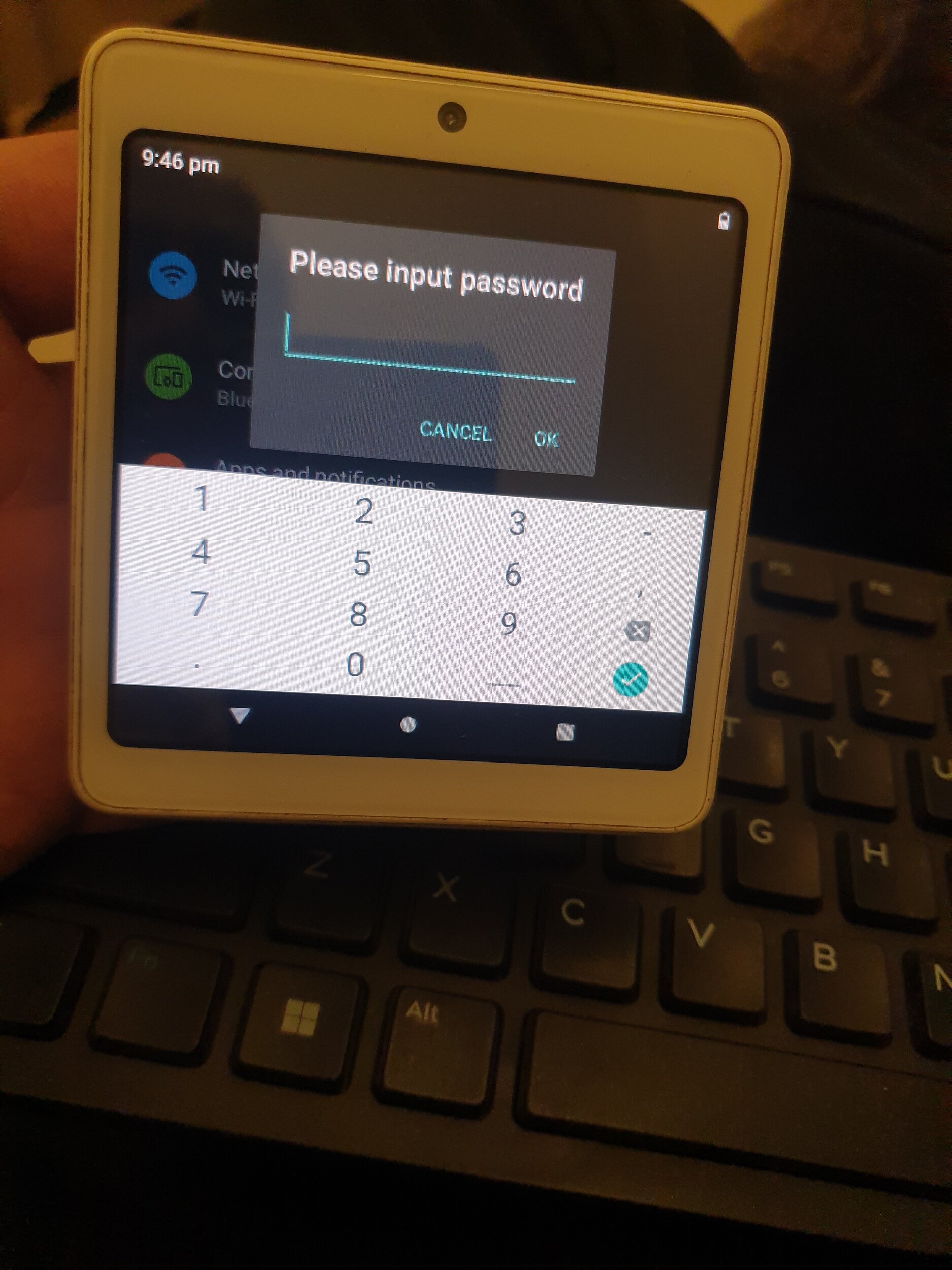
Need Help rooting Android device for Navigation.

taus90

Well-known Member
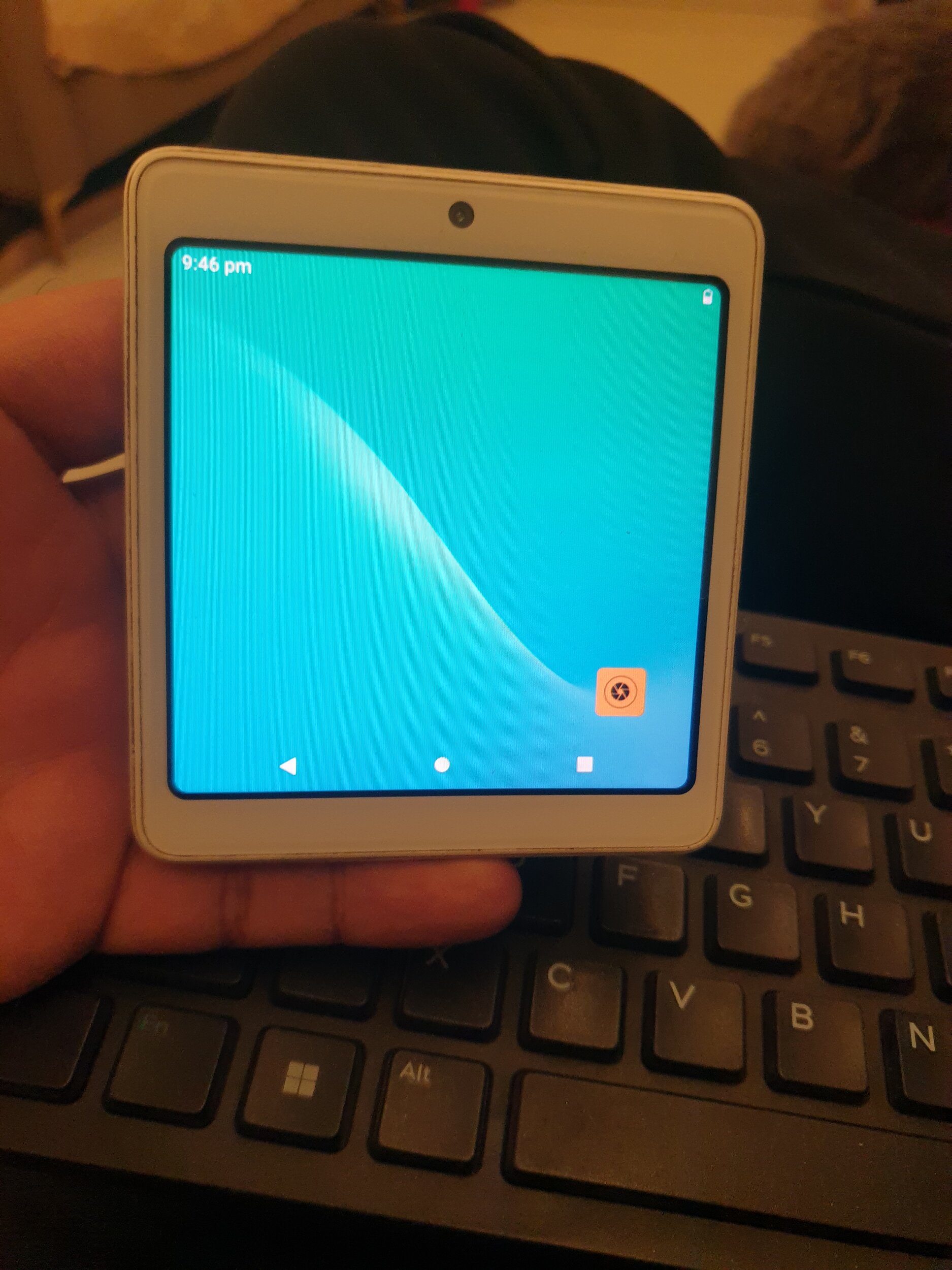
So i bought this device in flee market, perfect display size (4") for navigation on motorcycle. its a POS device (BHARATPE one), bought it from a flee market. So here is the problem this device is password protected doesn't have google playstore or any google related services, I tried side loading APK files but no success. I did manage to factory reset the device but still cant get anything installed.

So anyone here with in-depth Android rooting knowledge could help me out. This run android 11, I have enabled Install from unknown source. couldnt enable developer mode, as nothing happens when tapping on "build info". there is one one physical power button.


P.S- it is possible to install apps on to this device, one guy has done it, but unfortunately he doesn't respond to any of the messages
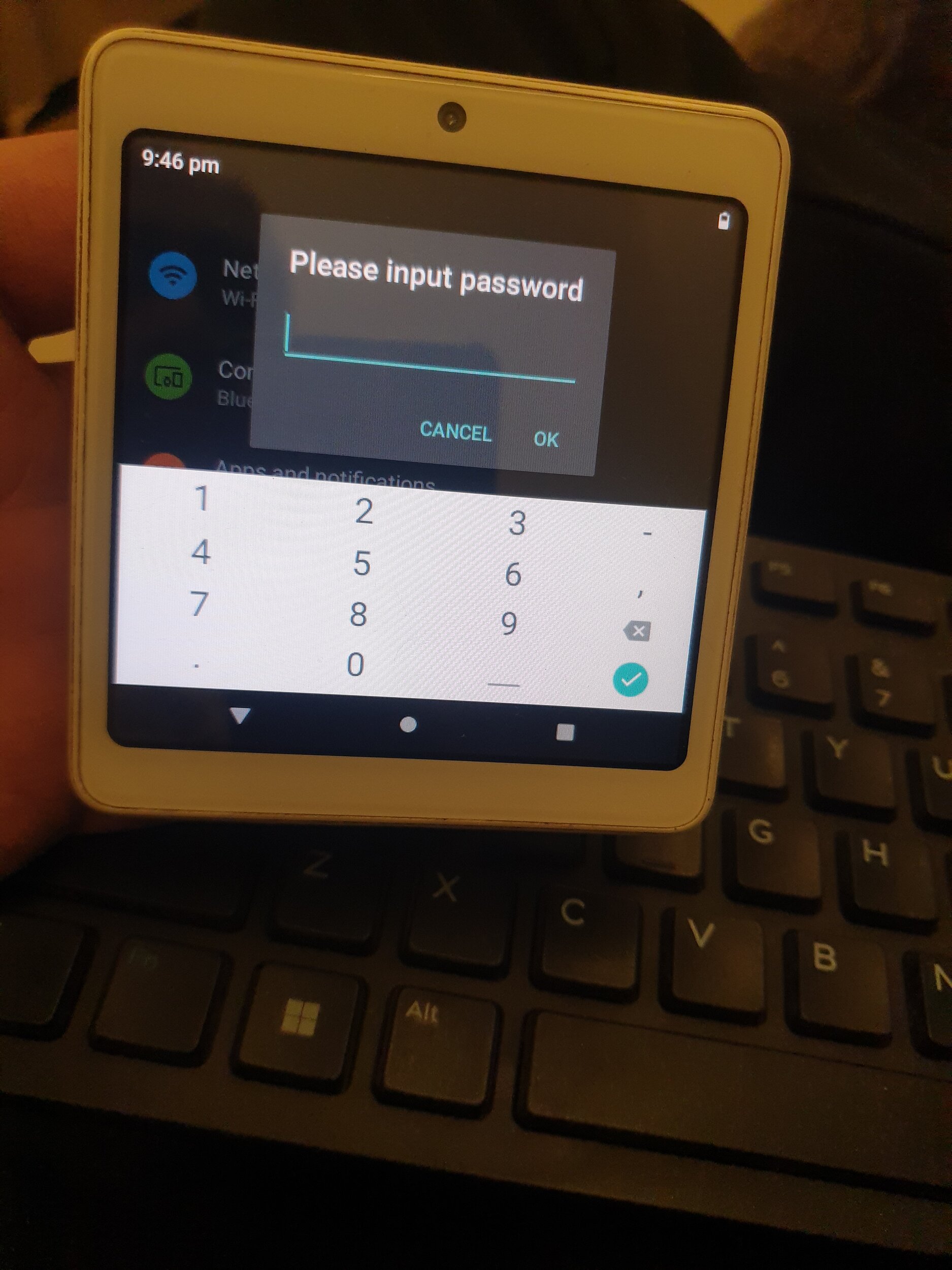
20260521_214608.jpg
20260521_214616.jpg
20260521_214608.jpg
 
a simple gemini request would have given you the answer:

No, the BharatPe One device cannot run normal, everyday Android apps like WhatsApp, YouTube, Instagram, or games.

While the hardware is technically powered by the Android operating system and features a touchscreen, it is built as a locked-down enterprise device (often referred to as a "Kiosk mode" or a customized Android POS terminal).

Here is why you can't use it like a regular phone or tablet:

1. No Google Play Store​

The device does not come with the Google Play Store or Google Play Services. You cannot log in with a personal Gmail account to download everyday apps.

2. Firmware Restrictions (MDM)​

BharatPe uses Mobile Device Management (MDM) software to lock the user interface. This ensures that the screen only displays the BharatPe merchant application, the calculator, and payment-related features (like PoS card billing, QR codes, and soundbox voice alerts).

3. Sideloading is Blocked​

You cannot download .apk files from a browser or transfer them via USB/Bluetooth to install external apps. The operating system blocks unauthorized installations for security reasons.


Why is it locked?

As a financial Point of Sale (PoS) terminal handling credit cards, debit cards, and UPI transactions, the device must comply with strict financial security standards (like PCI-DSS). Allowing external Android apps would expose the device to malware, data leaks, and security vulnerabilities.
 
Scrapped every AI for a resolution and realized AI is just a glorified curator of the available info on the web and highly restrictive of "unethical" practices and rooting a POS device falls under that. like I said it has been done there is a video demonstrating that, so gemini result is a moot point thats just FAQ from the website. Hopefully someone on my XDA thread would come up with a solution
 
while I share your sentiment re: AI it is a pointer that it wont be an easy task. anything can be done, the question is: is it worth it. after all a used tablet is cheap as well.
 
while I share your sentiment re: AI it is a pointer that it wont be an easy task. anything can be done, the question is: is it worth it. after all a used tablet is cheap as well.
I agree there are many device but the problem is the display size and aspect ratio, now a day almost every device is above 6 inches. Also IMO landscape mode is just inconvenient for maps, it should be either portrait 9:16 or at least square 1:1, if this doesn't work l have iphone 7 which i will use. but this would have been perfect size.
 
Back
Top